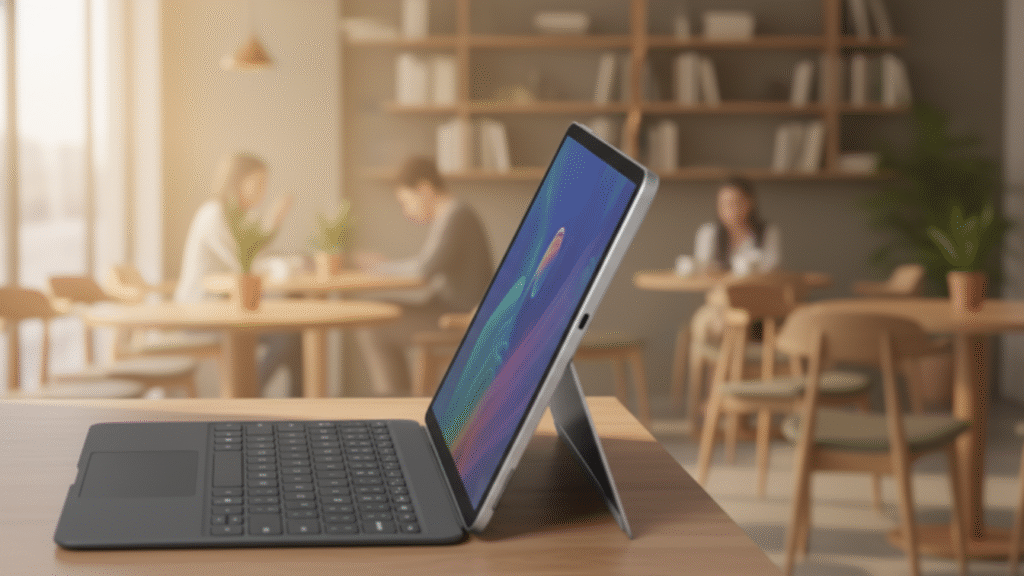
The Surface Pro 12-inch represents Microsoft’s return to a more portable footprint while maintaining the 2-in-1 versatility that defines the Surface line. Starting at $999 for the Core Ultra 5 model, this device makes a strategic bet: professionals will trade a bit of screen real estate for superior mobility without sacrificing the premium Windows experience. It is not a revolutionary upgrade, but a refined iteration that addresses real pain points for mobile professionals.
The Core Proposition: The “Just Right” Form Factor
The Size Sweet Spot
After years of 13.5-inch and larger Surface Pros, Microsoft’s return to a 12-inch diagonal fills a clear gap:
Dimension | Surface Pro 12″ | Surface Pro 11″ (Previous) | 13″ Ultrabook | iPad Pro 11″
Screen | 12″ 3:2 PixelSense | 13″ 3:2 PixelSense | 13.3″ 16:9/16:10 | 11″ 4:3
Weight | 1.65 lbs (749g) | 1.79 lbs (812g) | 2.8–3.0 lbs | 1.03 lbs
Thickness | 7.3mm | 9.3mm | 14–16mm | 5.9mm
Footprint | 10% smaller | Standard | Largest | Smallest
Real-world impact: Fits comfortably in smaller bags, airline tray tables, and crowded coffee shop tables while retaining a productive 3:2 aspect ratio.
Display Technology: Brighter and Smarter
Resolution: 2880×1920 (267 PPI)
Brightness: 600 nits SDR, 1200 nits HDR peak
Refresh rate: 120Hz adaptive (down to 24Hz)
Auto Color Management for sRGB, P3, and Rec.709
Surface Pen with 4,096 pressure levels, 2ms latency, haptic feedback
Performance and Configuration Matrix
Processor Options
Entry: Core Ultra 5 135U, 16GB RAM, 256GB storage, $999
Mid: Core Ultra 7 165U, 16GB RAM, 512GB storage, $1,299
Pro: Core Ultra 9 185H, 32GB RAM, 1TB storage, $1,899
BTO Max: Core Ultra 9 185H, 64GB RAM, 2TB storage, $2,499
Real-World Performance
Office productivity easily handles heavy multitasking
Creative work runs smoothly on Ultra 7 and above
NPU enables Windows Studio Effects and local AI tasks
Intel Arc graphics support light gaming at 1080p
Pros and Cons: The Mobile Professional’s Trade-Off
Pros
Excellent portability-to-productivity balance
Premium magnesium build quality
Outstanding display brightness and color accuracy
Strong battery life for a compact device
Quiet thermal design
Wide port selection for its size
Optimized Windows 11 experience
Cons
Accessories significantly increase total cost
Limited internal upgradability
Camera placement still awkward
Smaller speakers than larger Surface models
No cellular option
Keyboard is effectively mandatory
The 2-in-1 Experience
As a Laptop
Comfortable typing with excellent key travel
Responsive haptic trackpad
Improved lap stability
Strong productivity performance
As a Tablet
Slightly top-heavy feel
Windows tablet mode still inconsistent
Best-in-class pen experience
Good for media, acceptable for reading
Battery and Charging
Web browsing around 10.5 hours
Video playback up to 14 hours
Office work averages 8–9 hours
Creative workloads drop to 5–6 hours
65W fast charging included
USB-C charging supported
AI-managed charging improves battery health
Competitive Landscape
Against Surface Pro 13.5-inch: better portability, smaller screen
Against iPad Pro 11-inch: Windows flexibility vs tablet-first polish
Against Dell XPS 13 2-in-1: pen versatility vs laptop-first power
Target Audience Analysis
Perfect For
Mobile consultants
Digital note-takers
Hybrid workers
Creative professionals needing pen input
STEM students requiring Windows software
Not Ideal For
Desktop replacement users
Budget-focused buyers
Apple ecosystem loyalists
Hardcore gamers
Professional video editors
Accessory Ecosystem: The Hidden Cost
Signature Type Cover: $140
Slim Pen 2: $130
Surface Dock 2: $260
Microsoft Complete: $249
Minimum setup exceeds $1,100
Recommended setup approaches $1,600
The AI Angle: Copilot+ Ready
Recall, Cocreator, Live Captions, Studio Effects
NPU handles AI tasks efficiently
Storage and privacy considerations apply
Long-Term Considerations
Windows updates through 2032+
Strong security and enterprise features
Limited repairability
Resale value better than most Windows devices
The Verdict: A Niche Masterpiece
Buy the Surface Pro 12-inch if
You need full Windows in a compact device
Pen input is essential
Portability is your top priority
Your workflow shifts between desk and mobile
You rely on Microsoft’s ecosystem
Choose an Alternative if
Your budget is under $1,200 total
You want a traditional laptop
You want a pure tablet experience
You need discrete graphics
You prioritize screen size
Final Rating: 8.5/10
The Surface Pro 12-inch is Microsoft’s most focused Surface yet. It makes deliberate compromises to deliver exceptional portability without abandoning professional capability.
The Bottom Line
This is not for everyone, but for mobile professionals who need both a tablet and a full Windows PC, it is the best execution of Microsoft’s 2-in-1 vision so far. Smaller, lighter, and more refined, it proves that sometimes the smartest innovation is returning to the essentials.