Let’s start with a confession: I review a lot of tech. Glass-and-metal marvels that cost as much as a mortgage payment. Devices that promise to revolutionize my life with folding screens, AI assistants, and cameras that can photograph the rings of Saturn. So when I unboxed the 2025 Amazon Fire 7—a $49.99 tablet that arrives in packaging about as glamorous as a bulk pack of paper towels—I had to mentally reset. This isn’t a review in the traditional sense. It’s more of an anthropological study. Who, in the year 2025, is this for? And what is it actually like to live with?
Spoiler: It’s not for me. But after seven days of carrying it around, forcing it into my routines, and watching my family interact with it, I found something surprisingly compelling in its stark, no-nonsense simplicity.
Chapter 1: Unboxing & First Impressions – The Shock of the Simple
The experience begins with the box. There’s no fancy magnetic clasp, no embossed logo. You slide off a sleeve, and there it is, nestled in recycled cardboard. The tablet itself, a USB cable (more on that horror later), and a 5W power brick. No headphones, no fancy leaflets. The entire presentation whispers one thing: “We didn’t waste a single cent.”
Picking it up, the first sensation is weight. At 285 grams, it feels dense, substantial in a way that modern, premium devices don’t. It’s not sleek; it’s sturdy. The plastic back has a soft-touch finish that’s actually pleasant, and the new “Aura Glow” color option (a pale, shimmery lavender) is genuinely prettier than it has any right to be. But then your eyes land on the bezels. They are enormous, a sweeping plains of black framing the 7-inch screen. It’s a look that instantly dates the device to a bygone era.
Then, the betrayal. You flip it over, looking for the charging port. And there it is: Micro-USB. Not USB-C. In the year of our Lord 2025, Amazon is still shipping a new product with a port that was outdated a decade ago. It’s a statement, loud and clear: This is not a device for tech enthusiasts. This is a device where backward compatibility with a drawer full of old cables is more important than modernity.
You press the power button. It boots. Not with a slick animation, but with a functional little Amazon logo. And then you’re in.
Chapter 2: The Fire OS Ecosystem – Living in Amazon’s Carefully Walled Garden
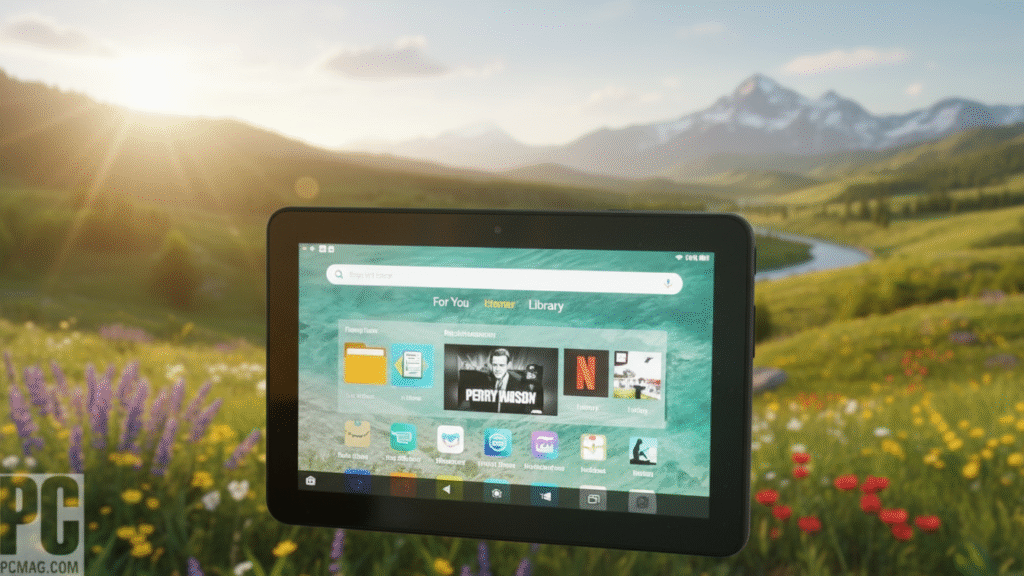
The home screen isn’t an open plain; it’s a curated marketplace. Prime Video, Kindle, Amazon Music, Audible, and the Amazon Appstore are your primary landmarks. Scrolling down reveals “Recommended for You” rows, pushing Amazon content hard. This is the core truth of the Fire 7: It is a storefront first, a tablet second.
The interface, Fire OS 9 (based on Android 13), is simple and carousel-based. It’s intuitive for the completely non-technical. My 70-year-old mother, who panics when her iPad asks for an update, picked it up and was watching The Marvelous Mrs. Maisel in minutes. There’s a virtue in that simplicity.
But the walls of the garden are high. Want to check your Gmail? You’ll need to use the slow Silk Browser or attempt to sideload the app. Google Maps? Not here. The official Instagram or TikTok apps? Nope. The included Appstore has major gaps, filled with off-brand alternatives and older versions of apps. You can break out—a process called “sideloading” the Google Play Store is well-documented online—but it involves downloading four obscure files in a specific order. For the Fire 7’s target user, this might as well be rocket science.
This isn’t a bug; it’s the feature. Amazon isn’t selling you a window to the whole internet. It’s selling you a very comfortable, very affordable seat in its own theater.
Chapter 3: A Day in the Life – The Strengths
I decided to use the Fire 7 as its designers intended. I left my iPad on my desk.
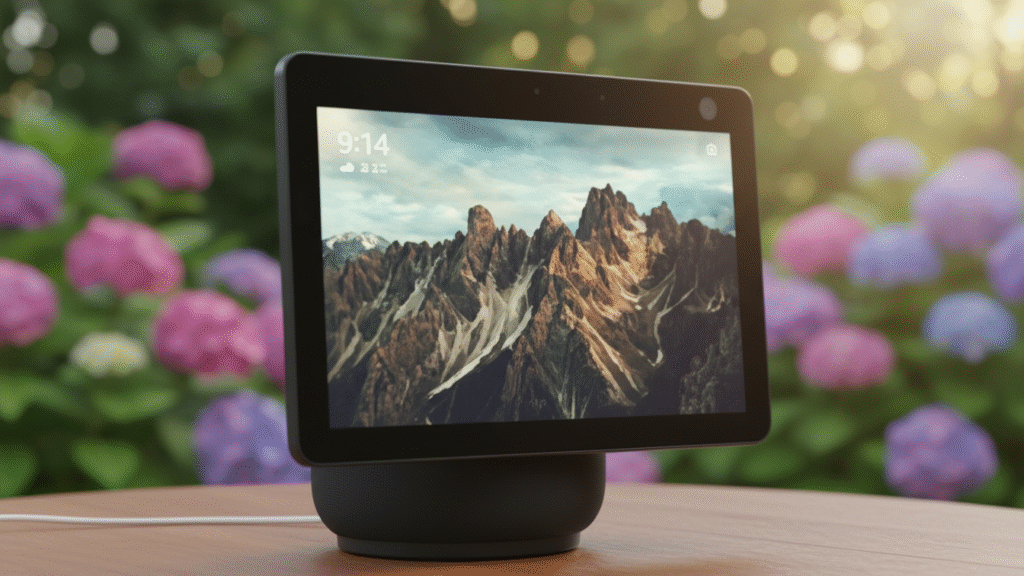
Morning: The Kitchen Companion. I bought the optional Show Mode Charging Dock ($29.99). This is the Fire 7’s secret superpower. You click the tablet in, and it transforms. The screen shifts to an always-on display showing the time, weather, your photo albums, or news headlines. It becomes an Echo Show. “Alexa, add oatmeal to my shopping list,” I mumbled through a mouthful of toast. It heard me perfectly from across the room. I followed a recipe for pancakes, and the screen automatically stayed on. My hands were covered in batter, but I could still ask Alexa to set a timer. In this specific, docked context, the Fire 7 felt brilliant and useful.
Afternoon: The Relic Reader. I took it to the backyard. As an e-reader, it’s… fine. The 1024 x 600 resolution screen is the tablet’s biggest weakness. Text isn’t sharp like a Kindle Paperwhite, but it’s perfectly readable in the shade. It’s heavy for one-handed reading, but the battery? I read for two hours and the battery bar didn’t seem to move. The promise of “up to 11 hours” seems legit if you’re just turning pages.
Evening: The Kid Pacifier. This is where the Fire 7 ascends from “quirky gadget” to “potential family savior.” I handed it to my friend’s six-year-old, Leo. With Amazon Kids+ activated (a $4.99/month subscription that unlocks thousands of books, games, and videos), the tablet morphs. The interface becomes big, colorful, and bomb-proof. Time limits can be set. Content is pre-vetted. Leo was enthralled by an interactive storybook. He dropped it twice. The plastic chassis and optional kid-proof case ($19.99) laughed it off. For a parent, this level of controlled, durable entertainment at this price is almost magical.
Chapter 4: A Day in the Life – The Struggles
Then I tried to make it do more. And the seams burst.
The Performance Wall. The quad-core processor and 2GB of RAM are the bare minimum to keep the lights on. Opening the Netflix app took a full 8 seconds. Switching from Kindle to Spotify required a 5-second pause of pure contemplation from the device. Trying to browse a modern website like CNN was an exercise in patience—images loaded in chunks, scrolling was janky, and sometimes the browser just gave up and refreshed. This isn’t a device for multitasking or urgency.
The “Camera”. The 2MP front and rear cameras exist only to check a box. A video call on Zoom functioned, but I looked like I was broadcasting from a witness protection safe house in 2008. It’s for proof of life, not for connection.
The Micro-USB Agony. At the end of Day 1, the battery was at 15%. I spent 10 minutes rummaging through cables before finding the right one. Plugging it in, I was greeted with a warning: “4 hours until full charge.” This thing doesn’t charge; it meditates on electricity. You don’t top it up; you commit to an overnight ritual.
Chapter 5: The Great Comparison – Where Does $50 Really Stand?
The most important conversation isn’t between the Fire 7 and an iPad. It’s between the Fire 7 ($50) and the Fire HD 8 (often $75 on sale).
For roughly $25 more, the HD 8 gives you:
-
A significantly better HD screen (1280 x 800)
-
A faster processor that makes the entire experience feel “normal” instead of “sluggish”
-
USB-C. This alone is worth the upgrade for anyone who owns a modern phone
-
Better speakers and even longer battery life
The leap in usability is astronomical. For anyone but the most budget-bound or a parent of a very destructive toddler, the Fire HD 8 is the true entry point that doesn’t feel like a punishment.
And then there’s the used market. For about $120, you can find a used 9th-generation iPad. It will have a sublime screen, run every app flawlessly, get updates for years, and feel like a device from the future compared to the Fire 7. The Fire 7 only wins on price and parental controls.
Chapter 6: The Philosophy – Who Is This Strange Device For?
After a week, my initial tech-snob dismissal melted away, replaced by a clear-eyed understanding of its niche.
The Fire 7 is perfect for:
-
The Budget-Conscious Parent: It’s the ultimate “first tablet.” The parental controls are best-in-class, it’s built like a tank, and if it gets destroyed, the financial pain is minimal.
-
The Amazon Devotee: If your digital life is already 90% within Amazon’s ecosystem (Prime Video for TV, Kindle for books, Amazon Music for tunes), this is a dedicated remote control for that life. It’s brilliant for the kitchen or bedside.
-
The Technophobic Relative: For an older adult who only wants to video call, read large-print books, and look at family photos, the simplified Fire OS interface is a blessing, not a limitation.
-
The “Beater” Device Buyer: Need something for the beach, the camping trip, the gym? Something where loss, sand, or splashes wouldn’t be a tragedy? This is it.
The Fire 7 is a terrible choice for:
-
Students: Research, Google Docs, and multitasking are its kryptonite
-
Anyone who uses Gmail, Google Maps, or mainstream social media daily
-
The impatient: Lag and slow charging will drive you insane
-
Anyone viewing it as a “main” computing device
The Final Verdict: A Masterclass in Focused, Unapologetic Design
The Amazon Fire 7 (2025) is not a good tablet, if by “good” you mean powerful, versatile, and polished. By those standards, it’s a 2 out of 10.
But if you judge it by its own goals—to be the most affordable, durable, simple portal into the Amazon ecosystem—it’s a 9 out of 10. It knows exactly what it is. It makes no apologies for what it’s not.
Living with it for a week was a detox from tech complexity. It reminded me that not every device needs to be a Swiss Army knife. Sometimes, a simple, reliable screwdriver is what you actually need. Its existence is a quiet rebellion against feature creep and soaring prices.
So, should you buy it? The answer is not in the specs, but in your life.
If you see yourself in the niches above, and your budget is rigid, you will not find a more purpose-built tool. You’ll understand its limits and appreciate its strengths.
But if you have any doubt, if you think you might want to “just check Facebook” or “look something up quickly,” do yourself a favor. Save a little longer. Get the Fire HD 8, or scour the used market for an old iPad. Your patience will thank you.
The Fire 7 doesn’t want to be your everything. It just wants to be your something. And for fifty dollars, that’s a strangely honest proposition.