Read our in-depth Surface Pro Copilot+ review. Discover its AI features, performance, display, battery life, pros & cons — and why it’s ideal for professionals and creatives.
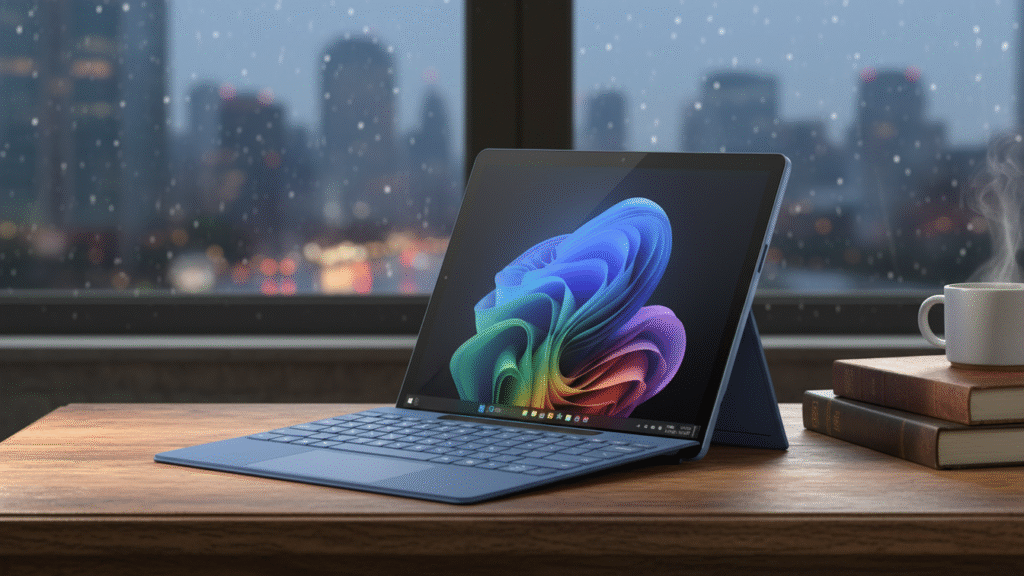
The Microsoft Surface Pro Copilot+ is the newest addition to Microsoft’s Surface lineup, combining the classic Surface Pro design with advanced AI features powered by Copilot+. This 2-in-1 PC delivers strong performance, excellent build quality, and productivity tools that set it apart from standard tablets and laptops.
Contents
- 1 Overview: What is Surface Pro Copilot+?
- 2 Design & Build — Premium and Portable
- 3 AI Features — Copilot+ in Action
- 4 Performance — Smooth, Responsive, and Fast
- 5 Display — Bright, Colorful, and Responsive
- 6 Battery Life — All-Day Power
- 7 Webcam & Audio — Ready for Remote Work
- 8 Pros & Cons
- 9 Final Verdict — Best for Creatives & Professionals
Overview: What is Surface Pro Copilot+?
The Surface Pro Copilot+ is a premium detachable laptop-tablet hybrid that runs Windows, built for creators, professionals, and students who want:
Touch + Pen flexibility
AI-assisted productivity
Laptop-class performance
Sleek, ultra-portable design
It bridges the gap between powerful computing and intelligent assistance — all in a lightweight form factor.
Design & Build — Premium and Portable
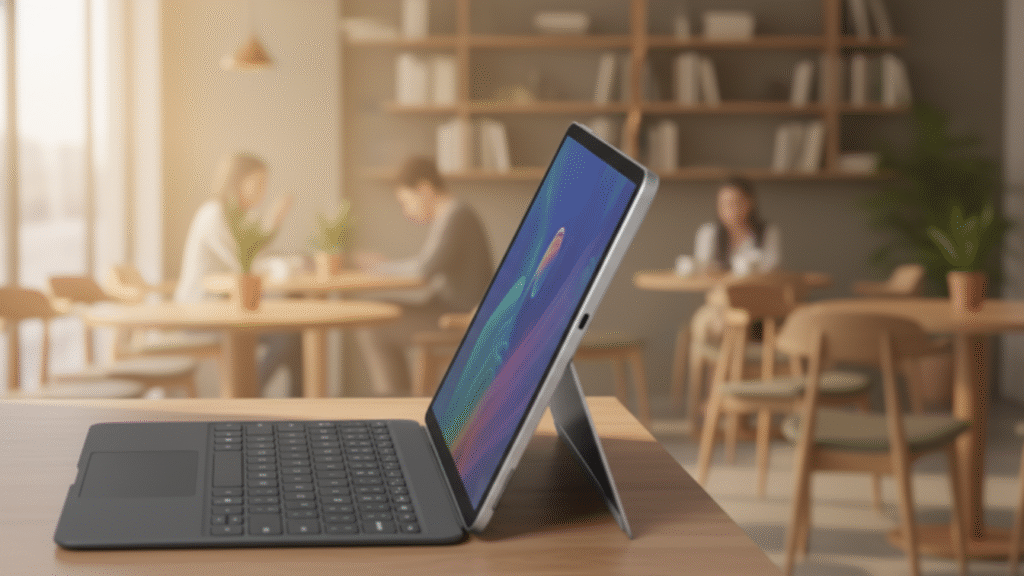
The Surface Pro Copilot+ continues the Surface tradition of clean, minimalist design with a magnesium body that feels sturdy yet light.
Ultra-thin and lightweight — easy to carry all day
Detachable Type Cover (sold separately) — turns it into a laptop instantly
Kickstand with infinite hinge — adjusts to any angle
Whether you’re in a café, classroom, or office, this device looks and feels premium. Its slim bezels and sleek chassis make it stand out among 2-in-1 devices.
AI Features — Copilot+ in Action
The biggest highlight of this model is Copilot+ integration — Microsoft’s AI assistant built into Windows.
What Copilot+ Can Do:
Summarize long documents
Generate emails or creative text
Translate content in real time
Assist with coding and research
Automate repetitive tasks
With Copilot+ built in at the system level, you’re effectively getting a smart assistant that helps speed up your daily workflow and enhances creativity. This isn’t just another tablet — it’s a productivity powerhouse.
Performance — Smooth, Responsive, and Fast
Depending on the configuration, the Surface Pro Copilot+ is powered by the latest Intel processors and up to 16GB or 32GB RAM, making it suitable for:
Everyday tasks (email, browsing, Office)
Professional work (Photoshop, design tools)
Light to moderate creative workloads
Multitasking without slowdown
It doesn’t quite match a high-end gaming laptop — but it wasn’t designed for that. It excels at productivity, creative tasks, and AI-powered workflows.
Display — Bright, Colorful, and Responsive
The Surface Pro Copilot+ features a PixelSense touchscreen display:
High-resolution sharp visuals
Excellent color accuracy
Great stylus support with Surface Pen
Responsive touch and pen performance
Whether you’re sketching, presenting, or video calling, the display delivers crisp and accurate visuals with very little lag.
Battery Life — All-Day Power
Battery life is solid for a device this thin:
Up to 10–12 hours of moderate use
Office work, streaming, meetings — all day
Battery saver modes help extend life further
Expect shorter runtime under heavy AI tasks, but for most users, this device comfortably lasts through a workday.
Webcam & Audio — Ready for Remote Work
The Surface Pro Copilot+ comes with a sharp 1080p front camera and dual studio mics — making it great for:
-
Video conferencing
-
Online classes
-
Live streams
The speakers deliver decent volume and clarity, though power users might still prefer external speakers or headphones.
Pros & Cons
Pros
Sleek premium design
Excellent display and pen support
Powerful productivity and AI features
Great battery life for daily use
Built-in Windows environment
Cons
Type Cover and Surface Pen sold separately
AI features are powerful but may require learning curve
Not a gaming powerhouse
Final Verdict — Best for Creatives & Professionals
The Surface Pro Copilot+ is one of the most versatile devices Microsoft has launched. It’s a superb choice for:
Students
Creative professionals
Business users
Anyone who wants AI-enhanced productivity