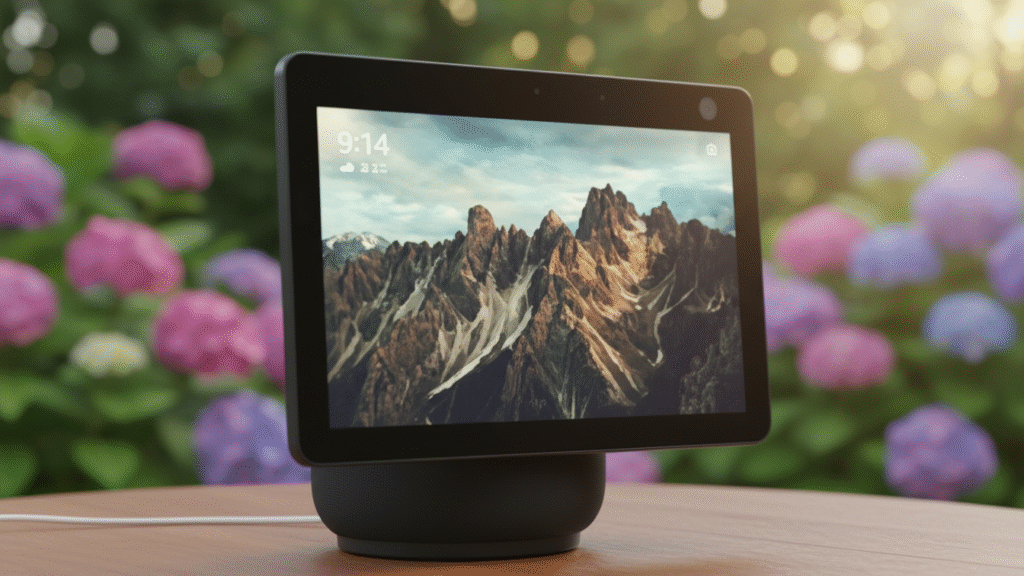
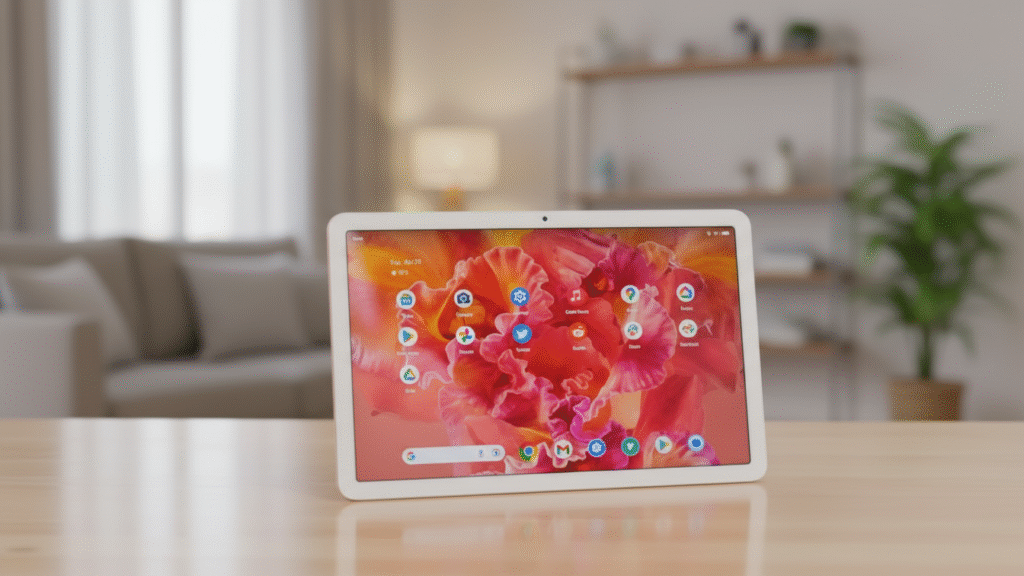
The Google Pixel Tablet isn’t just another Android slab—it’s a two-in-one home hub and portable tablet that finally delivers on Google’s ecosystem vision. By pairing a premium 11-inch Android tablet with a magnetic charging speaker dock, Google creates a product greater than the sum of its parts. At $499 ($599 with dock included), it challenges the iPad’s dominance at home while offering unique smart home integration that Apple can’t match.
The Core Innovation: Tablet + Dock = Home Hub
The Speaker Dock That Changes Everything
The included Charging Speaker Dock transforms this device from a conventional tablet into something entirely new:
-
Instant Home Hub Mode: Magnetic attachment converts tablet into a Nest Hub Max alternative
-
High-Quality Audio: Four full-range drivers provide rich, room-filling sound
-
Always-Charged: Tablet charges whenever docked, eliminating battery anxiety
-
Smart Display Features: Shows photos, controls smart devices, answers queries hands-free
Hardware Specifications
Component | Specification
Display | 11-inch LCD (2560×1600, 500 nits, 60Hz)
Processor | Google Tensor G2 (same as Pixel 7)
Memory/Storage | 8GB RAM, 128GB/256GB storage
Cameras | 8MP front & rear (optimized for video calls)
Battery | 27Wh (up to 12 hours video playback)
Audio | Four speakers (tablet), Four drivers (dock)
Connectivity | Wi-Fi 6, Bluetooth 5.2, USB-C 3.2
Pros & Cons: The Hybrid Reality
PROS
-
Brilliant Two-In-One Concept: Truly useful as both tablet and smart display
-
Included Speaker Dock: Adds $150+ value compared to buying separately
-
Premium Android Experience: Clean, fast software with 5 years of updates
-
Excellent Video Calling: Beats iPad for family Zoom/Google Meet sessions
-
Superior Smart Home Control: Best-in-class Google Home integration
-
No Charging Hassle: Always ready thanks to magnetic dock
-
Family-Friendly Design: Durable, rounded edges, multiple user profiles
CONS
-
Mediocre Display: 60Hz LCD can’t compete with iPad Pro/Air screens
-
Limited App Optimization: Many Android apps still aren’t tablet-ready
-
Heavy & Bulky: 493g makes it less portable than competitors
-
No Cellular Option: Wi-Fi only limits true mobility
-
Average Performance: Tensor G2 shows age in demanding tasks
-
Limited Accessory Ecosystem: Fewer cases/keyboards than iPad
User Experience Deep Dive
As a Home Hub (Docked Mode)
-
Photo Frame Excellence: Google Photos integration creates the best digital frame
-
Smart Home Central: Voice control every compatible device with visual feedback
-
Kitchen Companion: Follow recipes hands-free with YouTube/Google Assistant
-
Entertainment Center: Superior speakers for music, podcasts, video streaming
As a Portable Tablet
-
Media Consumption: Excellent for YouTube, Netflix, e-books with great aspect ratio
-
Casual Gaming: Handles most games well, but not for hardcore mobile gamers
-
Web Browsing & Productivity: Chrome and Google Workspace apps shine
-
Family Sharing: Multiple user profiles with individual spaces and parental controls
Performance & Software
Android’s Best Tablet Experience
The Pixel Tablet runs a customized version of Android that finally feels tablet-optimized:
-
Taskbar & Multitasking: Drag and drop between split-screen apps
-
Universal Search: Find anything across device, web, and apps instantly
-
Google Ecosystem Integration: Seamless with Photos, Drive, YouTube TV
-
Update Promise: 5 years of security updates, 3 OS updates (through Android 16)
Real-World Performance
-
Daily Tasks: Butter-smooth for browsing, streaming, productivity
-
Gaming: Capable with casual titles; struggles with Genshin Impact at high settings
-
Thermals: Stays cool except during sustained intensive use
-
Battery Life: 10-12 hours typical use; infinite when docked regularly
Camera & Video Calling
The “Hub” Camera Philosophy
With identical 8MP front and rear sensors, Google prioritizes video calls over photography:
-
Video Call Quality: Excellent for Google Meet, Zoom, FaceTime (via web)
-
Center Stage Feature: Automatically frames and follows subjects
-
Studio Light & Noise Cancellation: Google’s AI-enhanced features
-
Photography Limitation: Don’t expect Pixel phone-quality still photos
Competitive Landscape
Price Comparison (Base Models)
Device | Price | Included Accessories | Best For
Google Pixel Tablet | $499 | Speaker Dock | Hybrid home/portable use
iPad (10th gen) | $449 | None | General tablet use
iPad Air | $599 | None | Performance & Apple ecosystem
Amazon Echo Show 15 | $250 | Wall mount | Dedicated smart display
Samsung Galaxy Tab S9 FE | $529 | S Pen | Samsung ecosystem, note-taking
Key Differentiators
-
vs. iPad: Better smart home integration, included dock, worse app ecosystem
-
vs. Android Tablets: Cleaner software, longer updates, unique dock feature
-
vs. Smart Displays: Portability, full Android functionality, better screen
Target Audience Analysis
Perfect For:
-
Google Ecosystem Families: Already using Nest, Google Photos, YouTube Premium
-
Home Hub Seekers: Want one device that serves as both tablet and control center
-
Casual Tablet Users: Media consumption, light productivity, video calls
-
Smart Home Enthusiasts: Deep Google Home integration users
Not Ideal For:
-
Digital Artists: No pressure-sensitive pen support
-
Mobile Professionals: No cellular option, limited accessory ecosystem
-
Display Enthusiasts: Mediocre LCD versus OLED competitors
-
Gamers: Underpowered for demanding 3D games
Long-Term Value Proposition
Software Support Timeline
-
Guaranteed Updates: Through 2028 (Android 16)
-
Current OS: Android 14 (upgradable to Android 15, 16, 17)
-
Security Patches: Monthly updates through 2028
Resale Value Considerations
-
Ecosystem Lock-in: Less valuable outside Google-centric homes
-
Dock Dependency: Tablet loses significant functionality without dock
-
Market Position: New category may confuse traditional tablet buyers
The Verdict: A Niche Masterpiece
Buy the Google Pixel Tablet if:
-
You want a single device that serves as both family tablet and home hub
-
You’re invested in Google’s ecosystem (Photos, Nest, YouTube TV)
-
Video calling and smart home control are priorities
-
You value the included dock’s audio and charging convenience
-
You prefer Android’s flexibility over iPadOS’s walled garden
Choose an Alternative if:
-
Display quality is your top priority (choose iPad Air or Samsung Tab S9)
-
You need professional creative tools or extensive accessory support (iPad)
-
Portability is critical (smaller, lighter tablets exist)
-
You want maximum performance for gaming or demanding apps
-
You don’t use Google services extensively
Final Rating: 4/5 Stars
The Google Pixel Tablet succeeds not by beating the iPad at its own game, but by creating an entirely new category. It’s the first tablet that makes sense as a permanent home fixture when not in use, thanks to its brilliant dock integration. While the display and raw performance can’t match premium competitors, its seamless smart home control, exceptional video calling, and always-ready convenience create a uniquely practical package for Google-centric households.
The Bottom Line: This isn’t the best tablet on the market, nor the best smart display. But as the best combination of both, it represents Google’s most compelling hardware innovation in years—a genuinely useful hybrid that finally justifies its existence in a crowded market.